20Bet Mobile in South Africa, Every Route to the Same Account
Official Android and iOS apps where listed, a direct APK, a Safari home-screen shortcut or the mobile browser — four routes, one account, the full sportsbook and casino in ZAR.
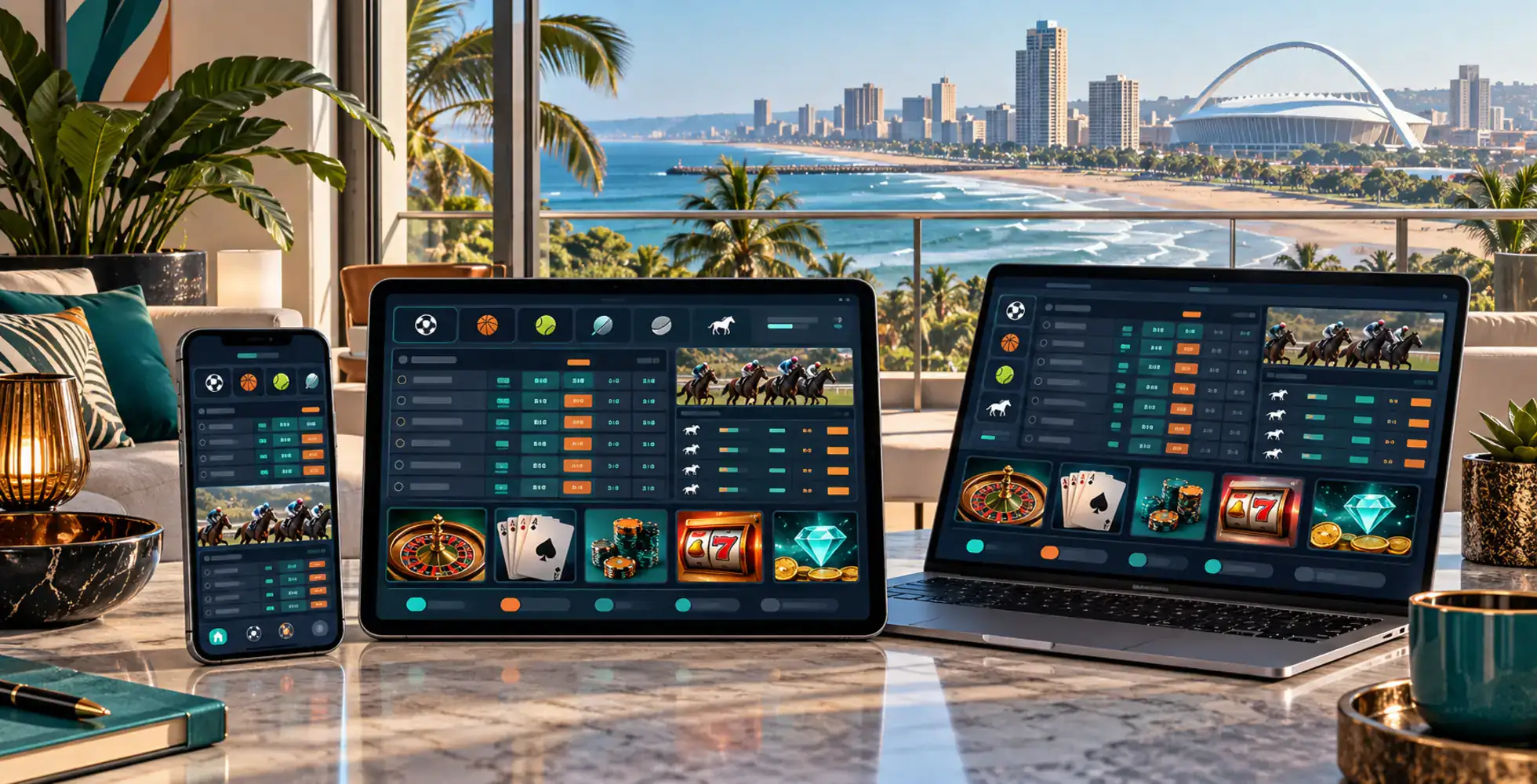
For most South African bettors, the phone is not a secondary screen. It is the main one. 20Bet reflects that by carrying the same sportsbook, casino, racing, cashier and promotions onto mobile instead of trimming the product down. Springboks and URC markets, Betway Premiership and EPL football, SA20, Next To Jump, thousands of slots, Aviator, live tables and ZAR payments all sit behind the same login.
There is more than one way to access it. Official 20Bet apps exist for Android and iOS, but gambling-app visibility depends on regional Google Play and App Store rules. If the listing is available for your account region, install it normally. If it is not, Android users can download the APK from the official 20Bet site, while iPhone and iPad users can create a Safari home-screen shortcut. The mobile browser works as a fourth option with no installation at all.
One legal distinction is worth keeping separate from app availability. 20Bet operates under a Curaçao licence rather than a South African provincial betting licence. South Africa regulates online betting through locally licensed bookmakers and does not locally authorise online casino-style interactive gambling. Whether an app can be installed does not change that licensing position. Mobile use is intended for adults aged 18 and over, and balances can be shown in South African rand (ZAR).
Installing 20Bet on Android
Start with Google Play. If the official 20Bet app appears for your account region, installation works like any other Android app. If it does not show up, use the direct APK from 20Bet's official mobile site.
1Open the official 20Bet site in your phone browser and go to the Mobile App section.
2Choose the Android version and download the .apk file.
3When Android asks, allow installation from that source.
4Open the downloaded file and confirm the installation.
5Launch the app and sign in, or register if you are new.
The extra permission is the main difference from a store install. If you use the APK route, make sure the file comes directly from the official 20Bet domain rather than a mirror, forum or forwarded link. That reduces the risk of installing a modified package. Updates are handled through 20Bet's own distribution route rather than Google Play.
On iOS, the first step is the App Store. If the official 20Bet app is visible for your Apple ID region, installation is completely standard.
The important point is regional listing. If 20Bet does not appear in search, that does not mean the iOS app does not exist. Real-money gambling apps are filtered by territory, so the listing may simply be hidden for the account region. There is no need to change the Apple ID region purely to force access; Safari provides a simpler alternative.
Putting 20Bet on the Home Screen Through Safari
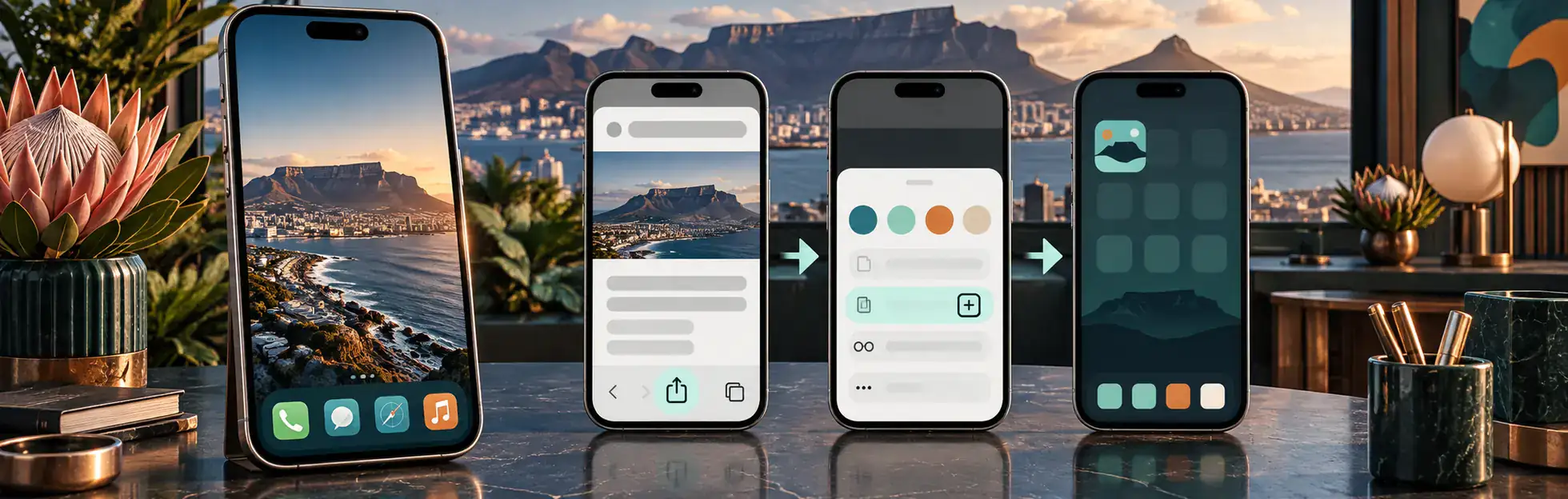
The Safari route creates an app-style shortcut without installing a separate package. It opens the mobile site from a home-screen icon and keeps the experience close to a standalone app.
1Open 20Bet in Safari on your iPhone or iPad.
2Tap the Share button.
3Choose "Add to Home Screen."
4Confirm the name and tap Add.
5Open 20Bet from the new icon on your home screen.
Because the shortcut loads the live mobile site, it does not need a separate update cycle and uses very little device storage. For iPhone users whose App Store region does not show the native app, this is the cleanest fallback.
Why Mobile Suits South African Betting Habits
Whichever access route you choose, the important parts stay intact:
The sportsbook remains complete. Springboks, URC, Betway Premiership, EPL, cricket and live markets carry over without losing the core betting tools.
Racing works well in short bursts. Next To Jump shows the next available events in one running feed, which is far more practical on a phone than opening meeting after meeting.
The casino is built for touch. Slot shelves, Bonus Buy, crash games such as Aviator and Spaceman, and RTP badges all transfer naturally to a smaller screen.
The cashier stays fully connected. Deposits, withdrawals, bonus eligibility and balances in ZAR use the same account as desktop.
Desktop spreads more information across one wide view; mobile folds it into tabs and menus. That can actually make the platform easier to scan once you know where the main sections live.
The native app, APK, PWA and browser all lead to the same underlying account. The differences are mostly about access and maintenance rather than feature depth. A store app may feel slightly more direct; the browser and PWA never need a separate update process.
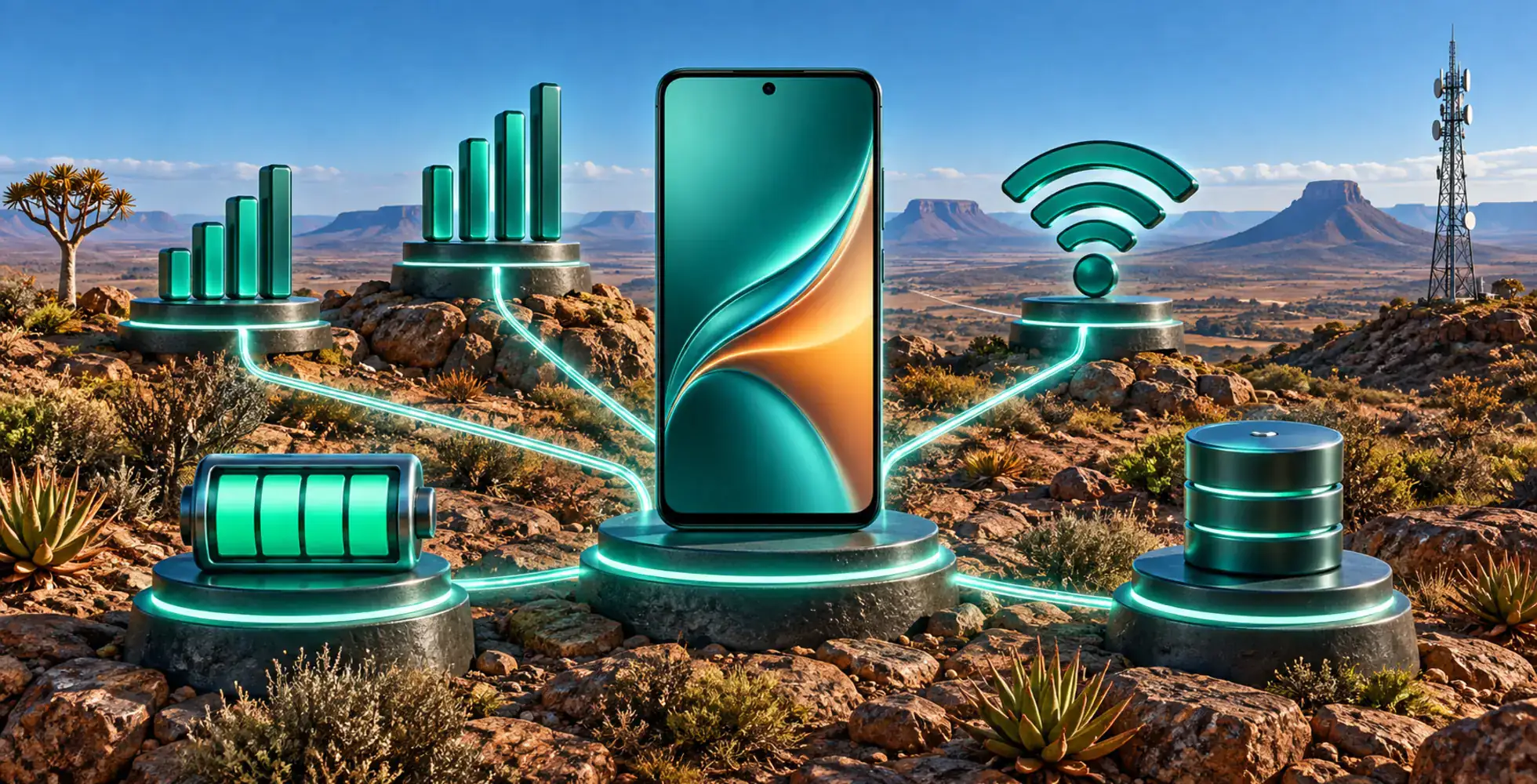
20Bet does not require a flagship phone. A reasonably current Android device, iPhone or iPad should handle the sportsbook, casino lobby and cashier without unusual hardware requirements.
Connection quality matters more. Pre-match betting, static slots and account management usually work fine on standard 4G or 5G. Live odds, sports streams and HD dealer video need a steadier signal. If a live table buffers or an in-play market reacts slowly, stable Wi-Fi or stronger mobile data is the first thing to try before blaming the device.
Browser-Only Access Still Gives You the Whole Platform
If you would rather install nothing, open 20Bet in Chrome, Safari, Firefox or another current mobile browser and sign in. The same sportsbook, casino, cashier and promotions are there.
That makes mobile web more than a backup. It is always tied to the current live version of the platform and needs no manual updates. Combined with a home-screen shortcut, it can feel almost as immediate as a native app.
Official Android apps exist, but the listing can vary by regional Google Play account and local store policy. If it appears, install it normally. If it does not, download the APK from the official 20Bet site.
The safest route is to use only the APK supplied through 20Bet's official domain. Avoid mirror sites, forum uploads and forwarded files. Sideloading still requires the usual Android permission, so the source matters.
Yes. Bonus eligibility follows the account, not the device. The sports welcome of 100% up to R2,000, the casino welcome of 100% up to R2,400 + 120 free spins, reloads and VIP progress behave the same on mobile as they do on desktop, subject to the same payment-method and promotion rules.
The app may be hidden by regional distribution rules even though the official iOS version exists. If that happens, use Safari and "Add to Home Screen" instead of changing your Apple ID region.
No major product area is removed. Sportsbook, live betting, racing, casino, cashier and promotions all remain available through the same account.
If the rest of the platform works normally, the connection is the most likely issue. Live odds and video streams need more bandwidth than static markets or slot browsing, so switching to stable Wi-Fi or stronger 5G usually helps.
Keep the Convenience From Turning Into Extra Play
Having 20Bet one tap away makes access easy, but it also removes the natural pause that comes with sitting down at a desktop. Set a budget before opening a session, use only money you can afford to lose, and do not increase stakes to chase a bad result. 20Bet is intended for adults aged 18 and over and provides tools for deposit limits, breaks and self-exclusion. South African users should also check the local licensing status of any operator separately from whether its app or website is technically accessible. If gambling starts affecting finances, concentration or relationships, close the app and contact a local support service.